New Features
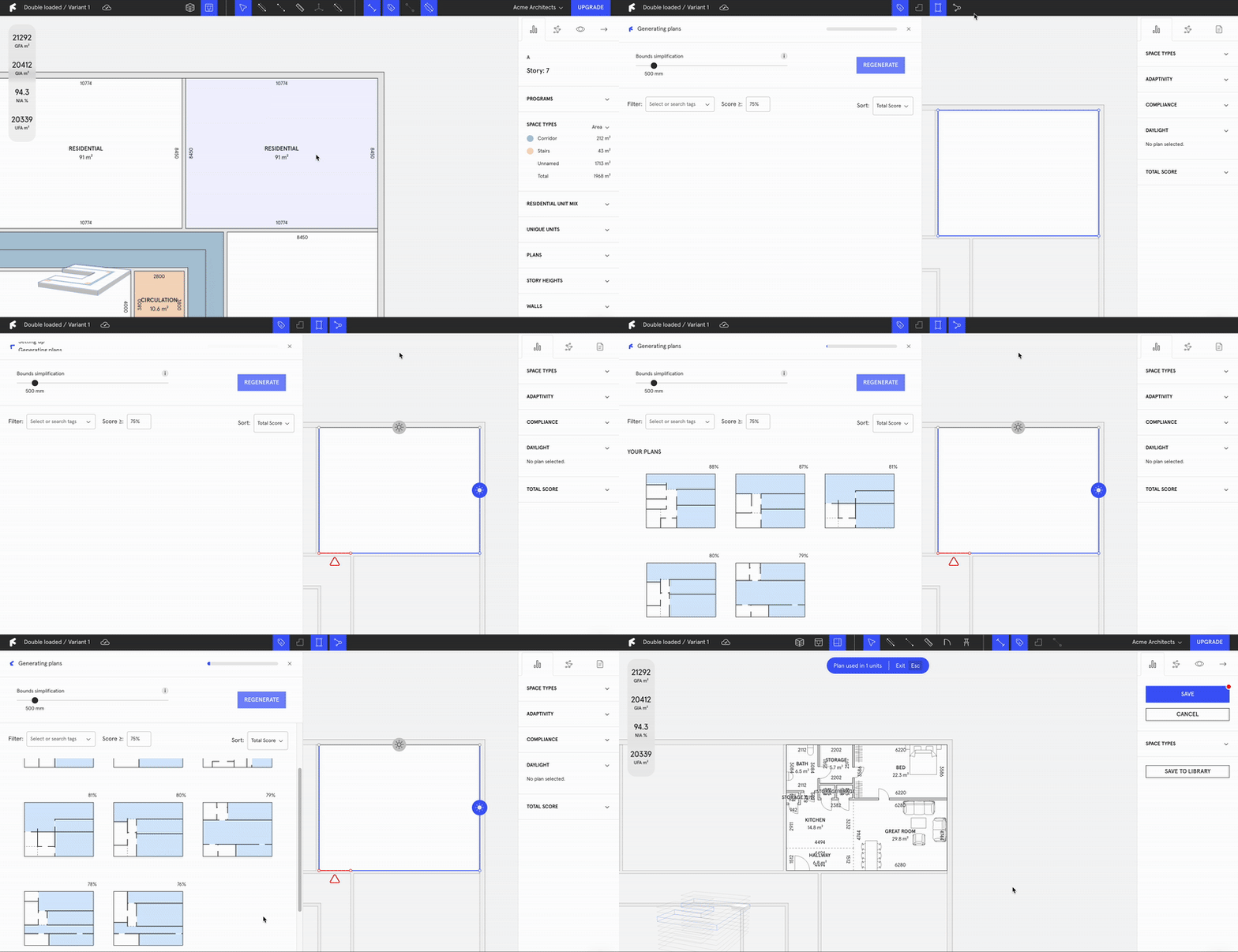
Generate plans in Revit
Generate plans directly from your dataset inside of Revit.
Control daylight admission in facade
With this new "generate plan" feature, you are in control of choosing which facades that should be recognized as emitting daylight, allowing you to generate plans with more control.

Updated Scoring: Increased transparency and result evaluation
We’re excited to announce our new scoring feature—exclusively for Finch Enterprise users. This innovative tool offers enhanced transparency, showing exactly how Finch suggests optimal plans for your projects. Gain insights into daylight performance metrics, compliance with key regulations, and overall project optimization.

Adjust Door to wall dimensions
You can now use the dimensions tool to control the dimensions between the door and the wall for increased control in your dataset.

Upload walls
If your project already has predefined walls, you can upload them directly to Finch from both Rhino and Revit and still make use of Adaptive Plan Library and AI Generate Unit Plan.
Archive
Last updated